A board, not a list
A session is not a line, so prep is not a list. Scenes sit on a board and connect to each other, which means you can lay out the three places the party might go without deciding which one they will pick.
Step 1 — Start a session
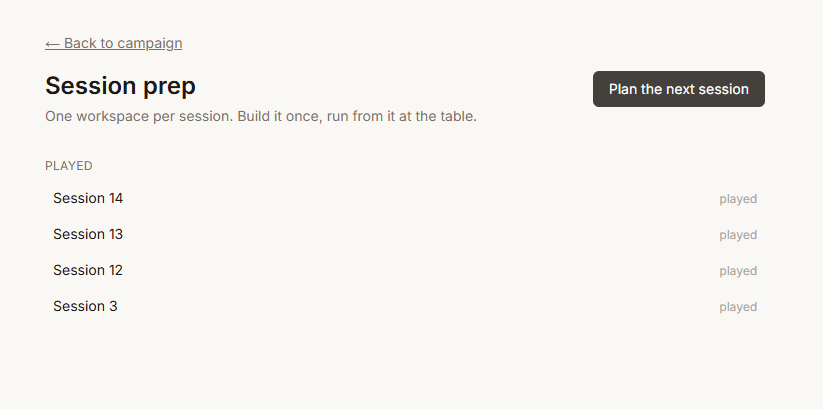
From Sessions, or from the button on your dashboard when the last one is debriefed. Numbering is handled for you, including after an import that brought history across.
Step 2 — Lay out the scenes
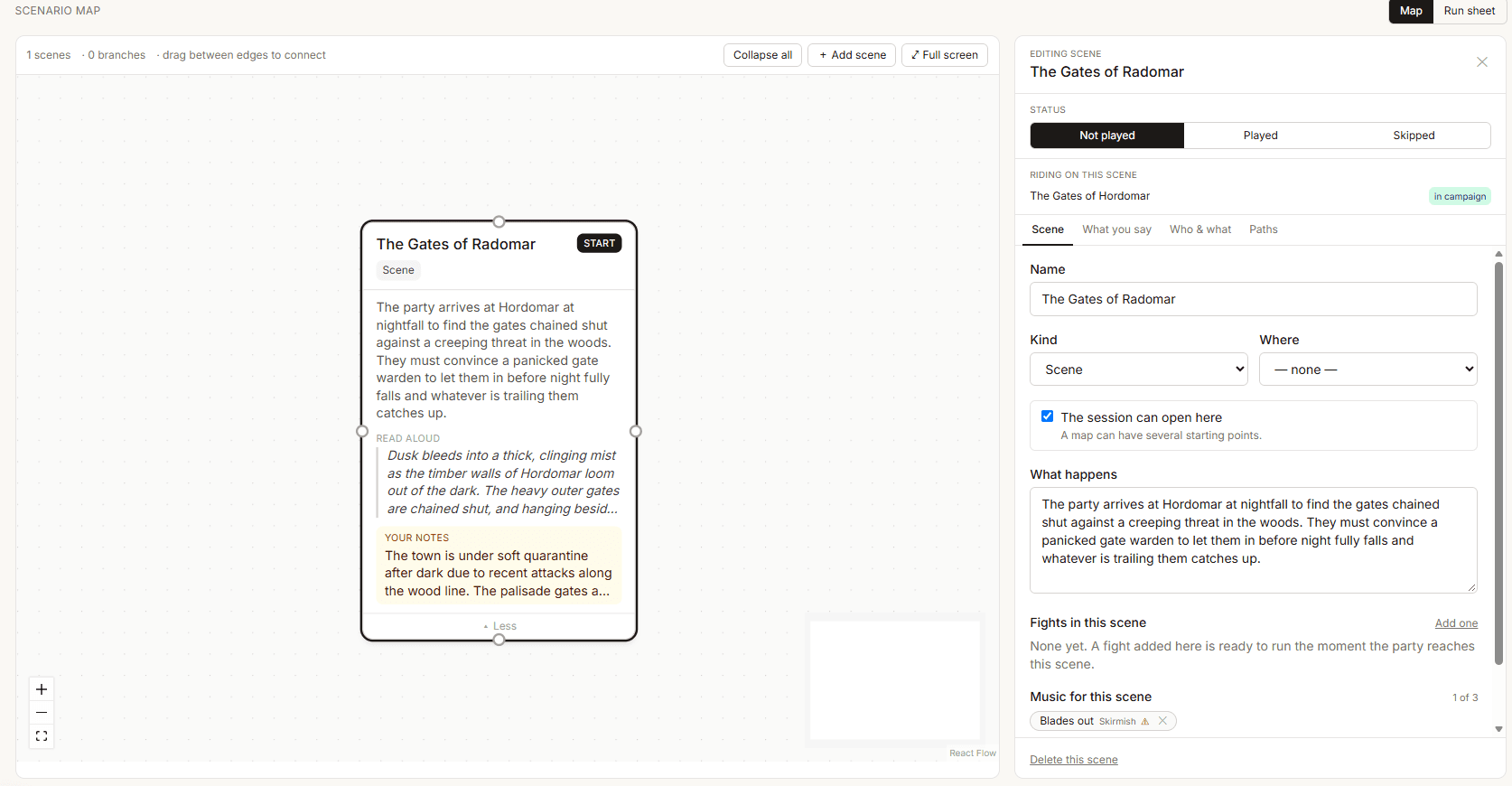
Add the scenes you are fairly sure of:
- The opening — where they are when the session starts.
- The obvious destination, and one alternative.
- The thing that happens if they do nothing.
Drag to connect them. A connection is not a railroad — it is a note to yourself that one place leads to another.

Step 3 — Fill in a scene
Open a scene and it can hold:
- Read-aloud text. Two or three sentences. Concrete and sensory, and never telling the players what their characters feel.
- A spotlight character. Which player this scene is for. The dashboard tracks who has not had one lately.
- Private notes. What is really going on, for your eyes.
- Music. Up to three tracks, playable from the table view.
Step 4 — Attach the fights
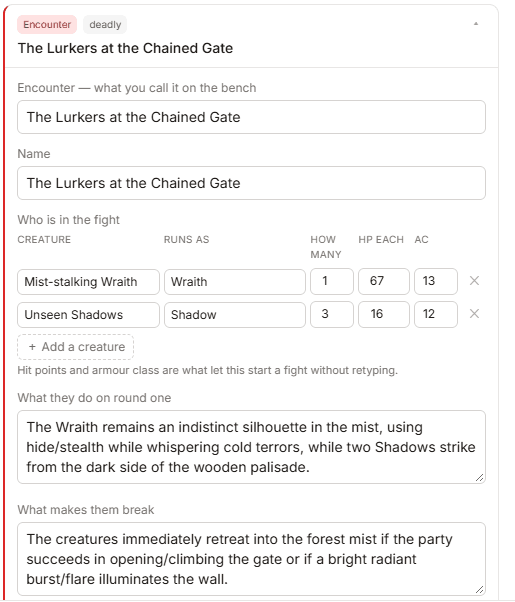
Build an encounter, or pull one from the SRD or your own homebrew creatures, and link it to the scene it happens in.
- Add creatures and counts. Difficulty updates against your actual party.
- Write the tactics — how they open, what they do when it goes badly.
- Note the terrain and a morale trigger.
- Link it to a scene.
A linked fight can be started from the table view in one press, with everybody already in the initiative list.
Step 5 — Let the Forge draft the rest
Thirteen specialists — an NPC smith, a scene writer, a faction planner, a treasure keeper and nine more. Each has already read your campaign, so you never explain the setup.
Everything they produce lands on the bench as a draft. Accept it onto the board, edit it first, or bin it. Nothing they write enters your campaign on its own.

Step 6 — Check what is missing
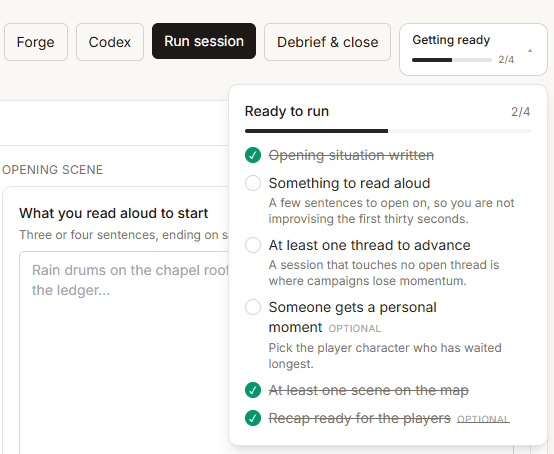
The readiness list names the things you would otherwise notice at the table: a scene with no way into it, a fight with no creatures, a session with no opening.
It is advice rather than a gate. You can run a session it is unhappy about.
Step 7 — Print the run sheet
Press Print run sheet and the session becomes a document: every scene in order, read-aloud text in a serif you can genuinely read from, the spotlight, and every stat block with hit points, armour class and tactics beside it.

How much to prepare
Less than you think. The parts of Yarnfold that earn their keep are the codex underneath and the debrief afterwards. Prep is the bit you were doing anyway — just somewhere it will be remembered.
Questions
Questions people ask
No. Drop in a Notion or Obsidian export, a Word file, or paste anything at all. Yarnfold reads the people, places, factions and past sessions out of it and shows you every one before a word is written. If it is all in your head instead, answer nine questions and it builds from that.